DeepSeek Harness for your desktop.
Work in your local projects with your choice of models and a plugin-based agent.
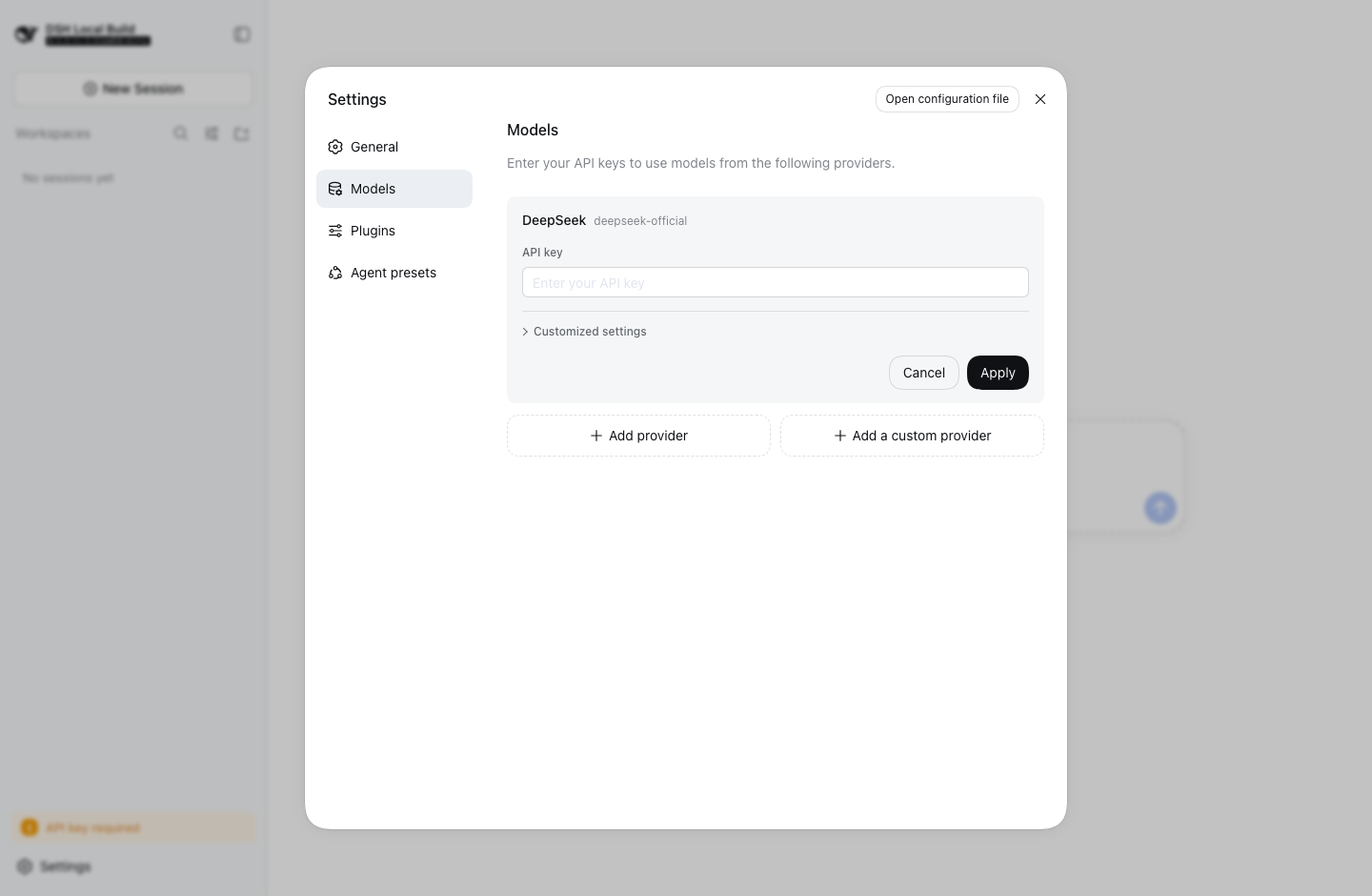
Choose your model.
Configure DeepSeek, other supported providers, or an OpenAI-compatible gateway. Your provider handles inference and billing.
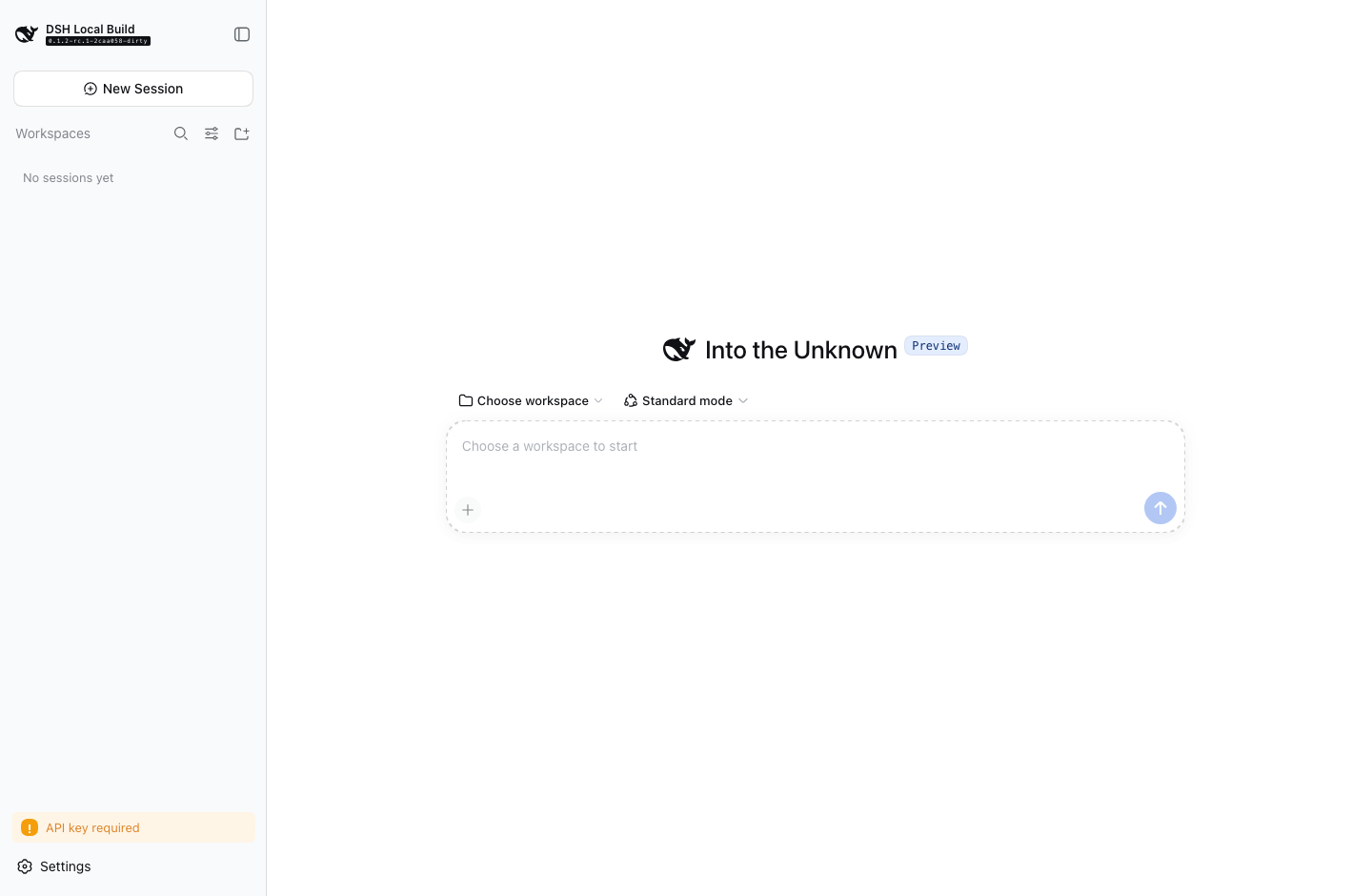
A desktop app with room to extend.
Harness owns the agent runtime. Tauri supplies the native window and operating-system integration.
Native where it matters
System WebView, native menus, keyboard shortcuts, runtime supervision, and diagnostic export. No bundled Electron or Chromium.
Plugins at the core
Use Cordis plugins, Agent presets, skills, and MCP integrations. Optional Codex and Claude Code bundles add delegated agents after setup.
Start with a local project.
- Install. Choose the macOS Apple Silicon or Windows x64 installer from the release assets.
- Connect. Configure your model provider in Settings, using its supported authentication method.
- Work. Choose a workspace and an Agent preset, then describe your task.
Before you install
This is a community preview, not an official DeepSeek product. macOS previews are ad-hoc signed and not notarized; Windows previews are unsigned. Check each release's platform notes and bundled version.
Local execution is not offline inference. Plugins and external agents run code; review permissions before granting workspace access. Automatic updates are not configured.